An AI email signature generator that designs, not fills in a template
Type one sentence about how you want to come across. The AI chooses the palette, the type and the motion, and you get an animated signature that works in Gmail, Outlook and Apple Mail about a minute later.
Describe yours — free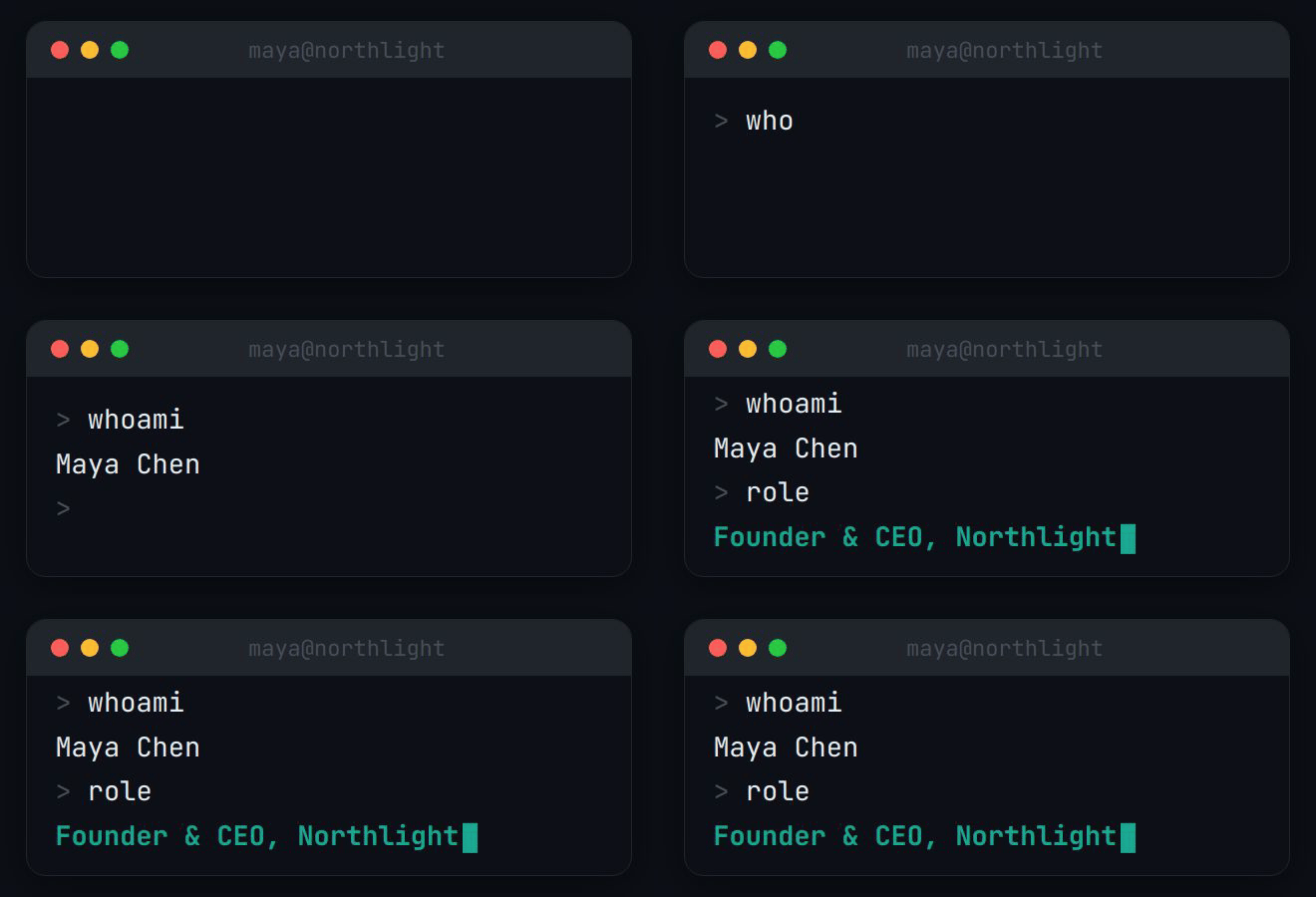


|


|



|

|
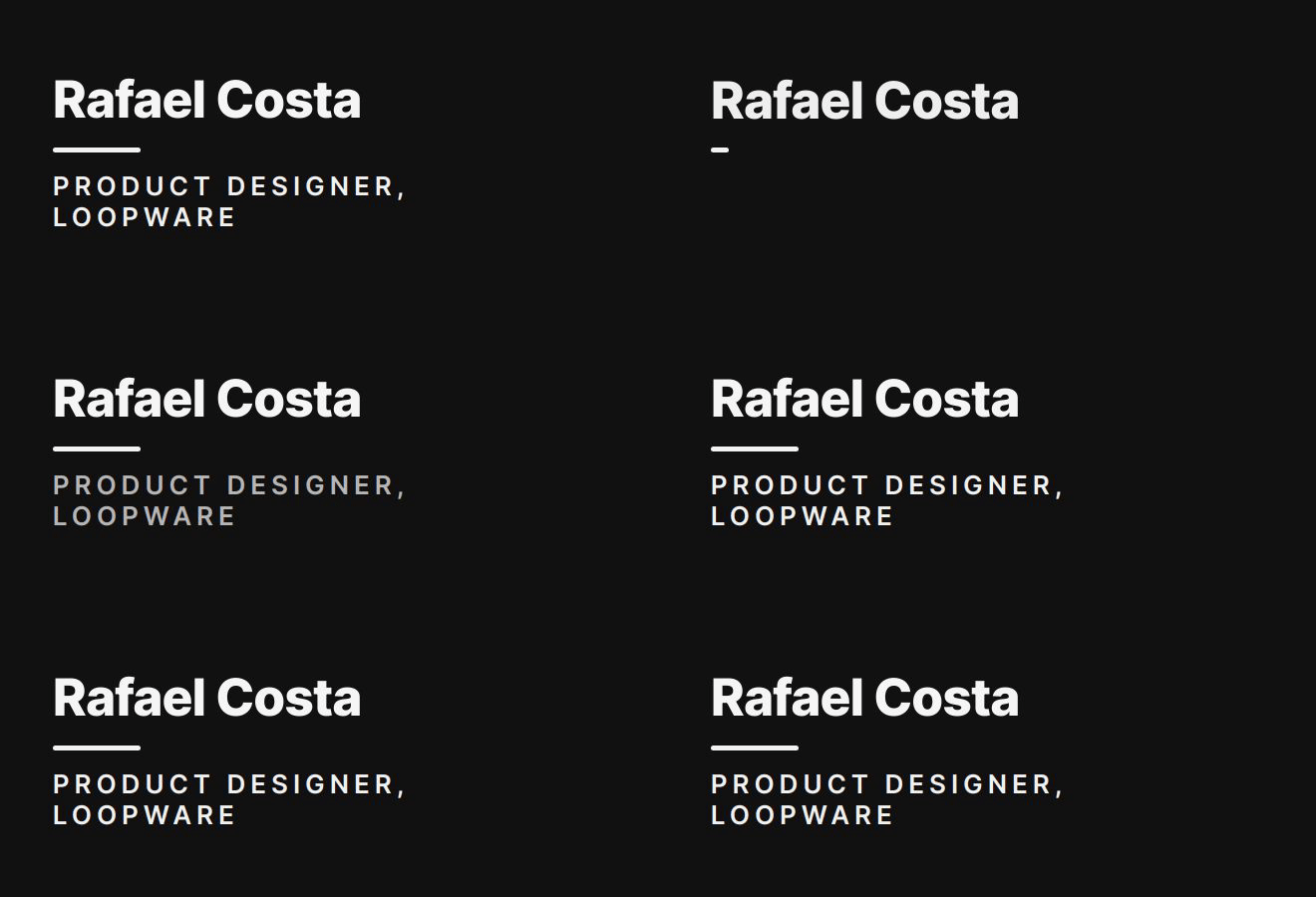
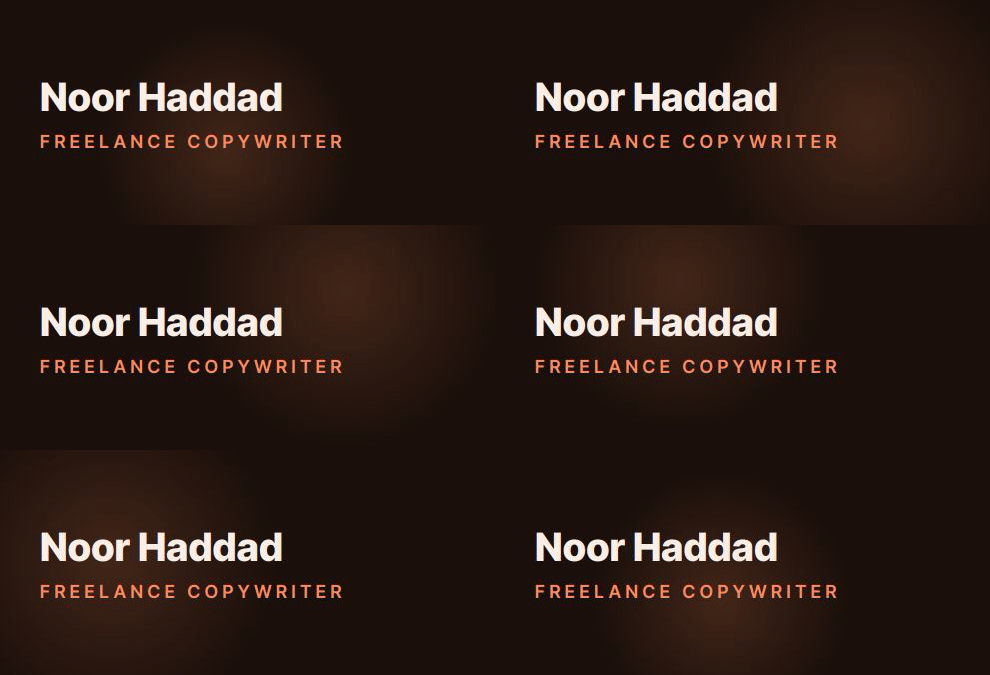
Real output from the BylineSig engine, shown with example names. See all 45 examples.
How the generator works
- You enter your details. Name and role, plus whichever of company, email, phone and links you want shown. Nothing is invented for you.
- You describe a style. One sentence, in your own words. There is no list of templates to scroll through.
- The AI writes a design. It produces a specification: colours, type, and which kind of animation to use and how fast.
- We render it. The specification is rendered frame by frame into an animated GIF and wrapped in a small block of email-safe HTML that carries your links.
- You paste it in. One click copies it for Gmail, Outlook or Apple Mail.
What to type
Describe a feeling, a colour, or both. Short works better than long. Some prompts and what they tend to produce:
| You type | You tend to get |
|---|---|
| “terminal hacker energy, tasteful” | A terminal window that types your name in green on near-black. |
| “quiet luxury, champagne gold” | A slow fade of your name on a warm dark ground with a gold rule. |
| “calm minimal, off-white and navy” | A restrained slide-up reveal with one accent colour. |
| “neon tokyo, electric pink” | Letters cascading in, bright accent on deep violet. |
| “warm and friendly, coral” | A soft moving gradient behind your name. |
Each result is generated, so two people typing the same sentence will not get identical signatures.
Why the design lives inside an image
Email clients remove almost everything a designer relies on: web fonts, animation, layout, and in Outlook’s case most of CSS. An AI that generated clever HTML would produce something that broke in half of all inboxes.
So the design is rendered to a GIF, which every major client displays, and the HTML around it is kept deliberately plain: a table, the image, and ordinary links. That is why the type and motion you see in the preview are what the recipient sees.
What it does not do
- It does not write your job title or contact details. Those are yours.
- It is not a pixel-exact design tool. You direct it in words.
- It does not manage signatures for a whole company yet. A Teams plan is on a waitlist.
- It does not add tracking pixels or scripts to your email.
Questions
What does the AI actually do?
It reads your one-sentence description and writes a design specification: a colour palette, the typography, and the type and timing of the animation. That specification is checked for validity and then rendered into an animated GIF. The AI designs; it does not write your contact details, which come from what you typed.
Is this different from an AI that writes a text signature?
Yes. Most “AI signature generators” produce the wording of a sign-off or fill your details into a fixed template. BylineSig generates the visual design itself: colours, type and motion.
Is the AI email signature generator free?
You can try it free without a card. Free accounts get three AI designs a day and the result carries a small watermark. Pro is $6 a month or $48 a year, with no watermark and no daily limit.
Can I change the design after it is generated?
Yes. Describe the change, such as “more teal”, “bigger name” or “calmer motion”, and the existing design is edited rather than regenerated from scratch.
Will the result work in Gmail and Outlook?
Yes. The output is a hosted GIF inside plain, email-safe HTML with real links. It pastes into Gmail, Outlook and Apple Mail. Older versions of Outlook that do not animate GIFs show the first frame, which is a complete design.
What is sent to the AI model?
Your style description and the details you typed (name, role, company, contact details and links), so the design can be laid out around them. Photos and logos are not sent to the model. The privacy policy lists what is stored and for how long.