Student email signatures for internships, professors and recruiters
A signature with your degree, university and graduation year answers the first three questions a recruiter has, and shows you took thirty seconds to look professional.
Design my signature — free
|


|

|



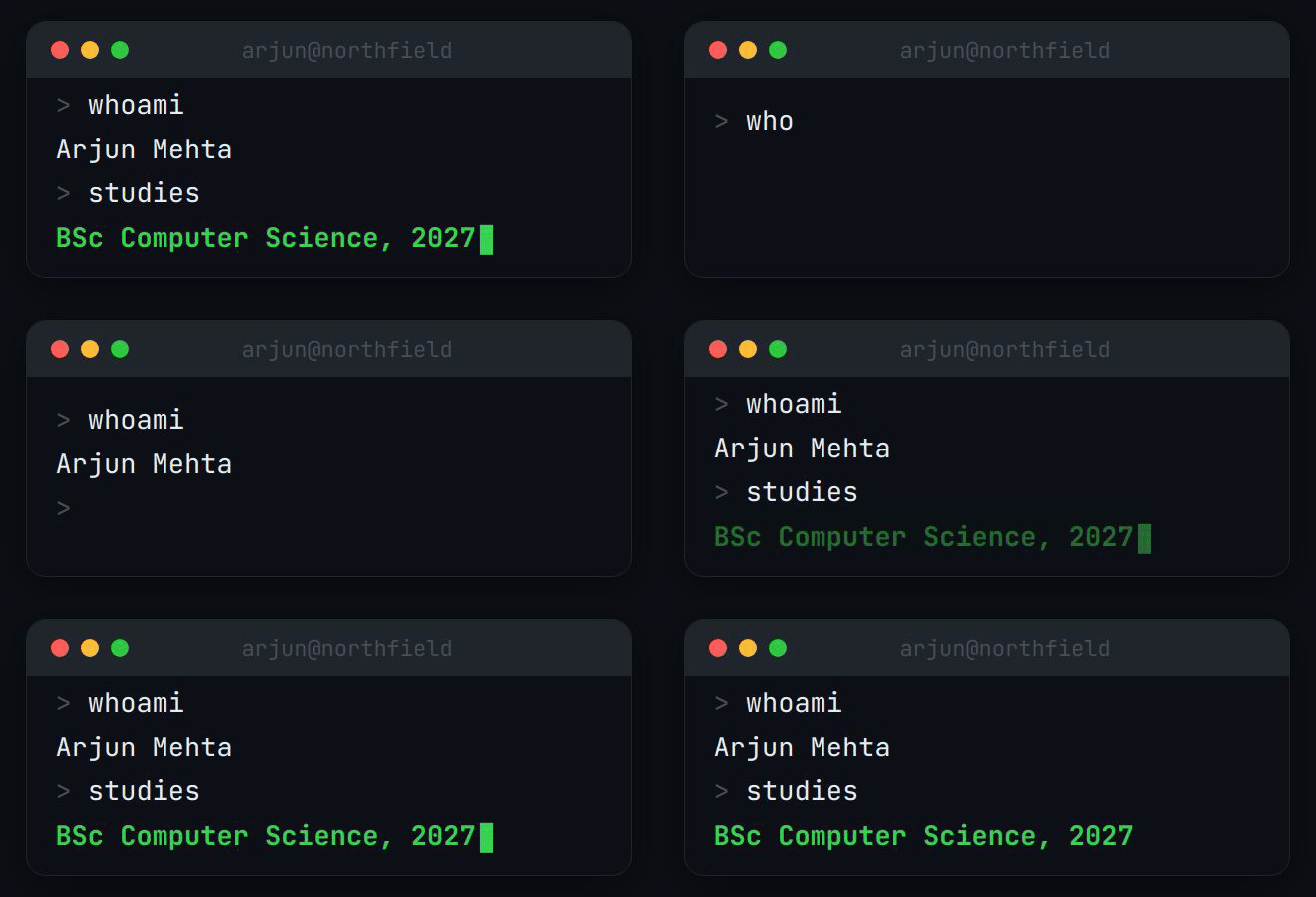
Real output from the BylineSig engine, shown with example names. Each is an animated GIF inside email-safe HTML, the same thing you paste into your mail client.
Free covers it
The free tier gives you a hosted animated signature with all your details and links. It carries a small “made with BylineSig” mark.
Recruiter-ready
Degree, university, graduation year and LinkedIn, laid out so they can be read in one glance.
Works with a university inbox
Most universities run Gmail or Outlook. The signature pastes into both.
What to put in a student signature
- Full name.
- Degree and major: “BSc Computer Science”.
- University and expected graduation year. Put these in the role and company lines.
- LinkedIn.
- GitHub or a portfolio, if your field uses one.
- Phone number, when you are applying for jobs.
- Leave out your GPA, your student ID and your home address.
How it works
- Enter your details. Name and role, plus whichever of company, email, phone and links you want shown.
- Describe the feel. One sentence is enough. Pick a ready-made style instead if you prefer.
- Copy and paste. Install it in Gmail, Outlook or Apple Mail in under a minute. We host the animation.
Questions
What should a college student put in an email signature?
Your name, degree and major, university, expected graduation year, and a LinkedIn link. Add a phone number while you are job hunting, and GitHub or a portfolio if your field expects one.
Should I include my GPA?
No. It belongs on a CV, where it has context, and only if it helps you.
Is it free for students?
The free tier is free for everyone and needs no card. There is no separate student discount at the moment.