An animated email signature, without making the GIF yourself
Describe how you want to come across. BylineSig designs the signature, animates it, and gives you something that pastes into Gmail, Outlook and Apple Mail in a minute.
Make my animated signature — free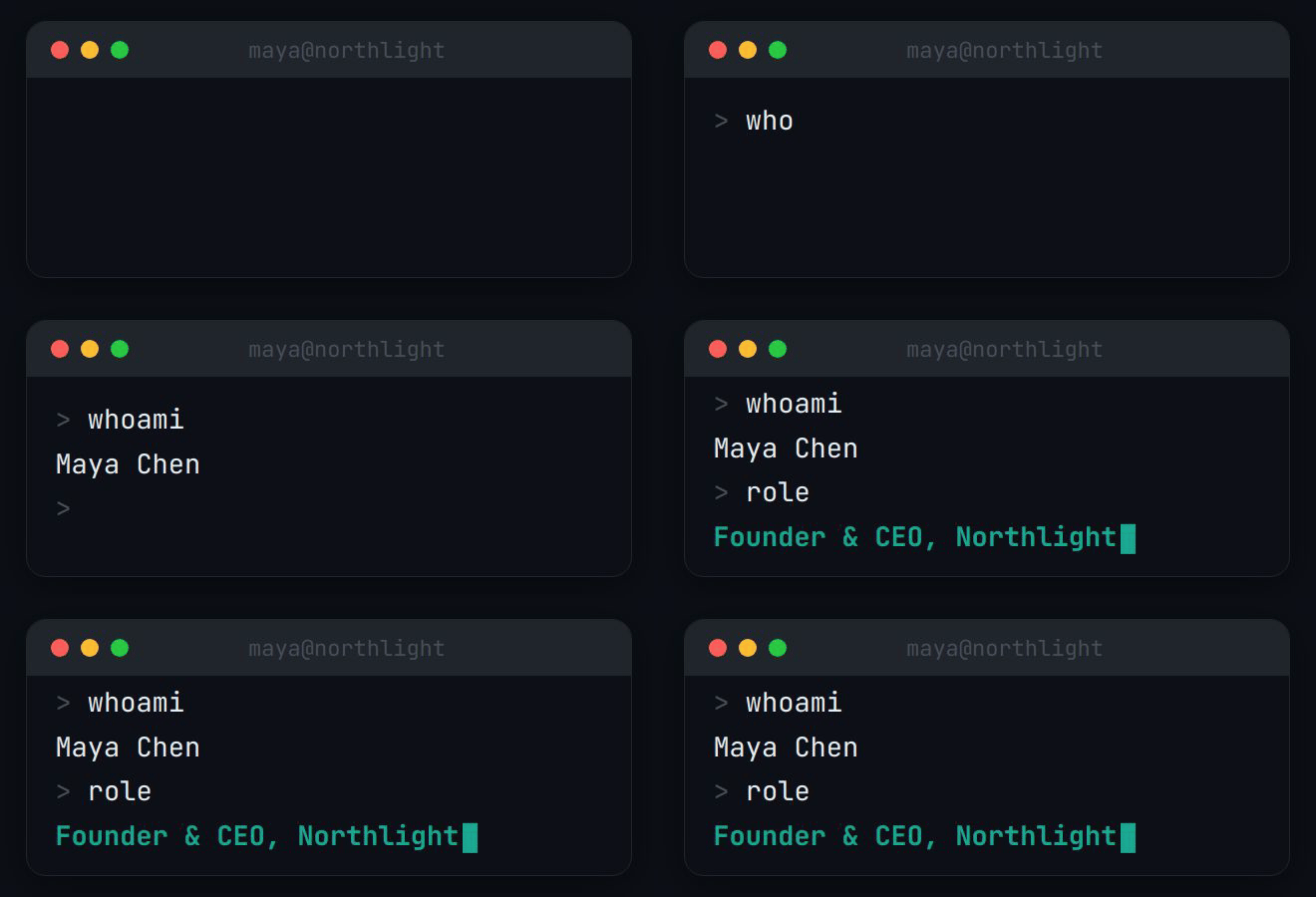


|


|



|

|



These are playing live: each is a real GIF from the BylineSig engine, shown with an example name. See all 45 examples.
Three kinds of motion
Every design uses one of three animation styles, chosen to fit your description.
- Terminal typing. A terminal window types a command and prints your name and role. Popular with developers and technical founders.
- Name reveal. Your name fades, slides or cascades in letter by letter above an accent rule, then holds.
- Gradient flow. A soft colour gradient moves slowly behind your name. The calmest of the three.
How it works
- Enter your details. Name and role, plus whichever of company, email, phone and links you want shown.
- Describe the style in one sentence, or pick one of three ready-made styles.
- Copy and paste it into your mail client. We host the animation, so there is no file to upload.
Step-by-step install guides: Gmail, Outlook, Apple Mail, iPhone Mail, Yahoo Mail, Thunderbird and more.
Which email clients play animated signatures
The animation is a GIF, and almost every mail client in use today animates GIFs. The exception is older desktop Outlook.
| When your email is read in | The reader sees |
|---|---|
| Gmail (web, iPhone, Android) | The animation |
| Apple Mail (Mac, iPhone, iPad) | The animation |
| Outlook on the web and Outlook.com | The animation |
| New Outlook for Windows, Outlook for Mac, Outlook mobile | The animation |
| Classic Outlook with Microsoft 365, 2021 or 2024 | The animation. Looping GIFs are reported to play three times, then pause. |
| Outlook 2019 and earlier | The first frame, as a still image |
| Yahoo Mail, Proton Mail, Thunderbird | The animation |
Because some readers get a still, every BylineSig signature begins on a frame that already shows the finished design. Nobody sees a blank box or a half-drawn name.
Sources: Microsoft’s Outlook documentation, Litmus and Can I email. Some clients, including classic Outlook and Thunderbird, block remote images until the reader allows them.
What makes an animated signature look good, not gimmicky
- It ends. The motion plays and settles. It is not a banner that flashes for as long as the email is open.
- It is small. A few hundred kilobytes, so it loads at once and does not weigh on a long thread.
- The first frame is complete. Readers whose client does not animate still see the whole signature.
- The details are text. Your email and profile links sit outside the image as ordinary links, so they work with images blocked and can be copied.
- It carries its own background. The design looks the same in light and dark mode.
Questions
How do animated email signatures work?
Email clients do not run CSS animation or JavaScript, so the motion has to be inside an image. An animated signature is an animated GIF placed in a small block of HTML, with your contact details as ordinary text links next to it.
Do animated GIF signatures work in Gmail?
Yes. Gmail on the web and in its apps animates GIFs. You paste the signature into Gmail’s signature settings on a computer, and the Gmail app uses that same signature if its mobile signature is left empty.
Do animated GIF signatures work in Outlook?
In current versions, yes: Outlook on the web, new Outlook for Windows, Outlook for Mac, the mobile apps, and classic Outlook with Microsoft 365, 2021 or 2024. Outlook 2019 and earlier show only the first frame. BylineSig signatures start on a finished frame so those readers still see a complete signature.
Will an animated signature make my emails go to spam?
A single small hosted image with real text links around it is a normal email pattern. Spam filters look at sender reputation, content and links far more than at one image. BylineSig signatures contain no scripts and no tracking pixels.
How big should a signature GIF be?
Small. Email testing company Litmus advises keeping animated GIFs to 1 MB at most, and Microsoft forum guidance for Outlook signatures suggests under 500 KB. BylineSig signatures are typically between 120 KB and 350 KB.
Do I need to make the GIF myself?
No. Most signature tools ask you to create a GIF elsewhere and upload it. BylineSig generates the animation as part of the design.
Is it free?
You can make and install an animated signature free, with a small watermark and no card. Pro is $6 a month or $48 a year and removes the watermark.