Teacher email signatures that tell parents exactly who is writing
Parents get email from a dozen people at one school. A clear signature with your name, subject or year group and school saves every one of them from guessing.
Design my signature — free
|


|


|

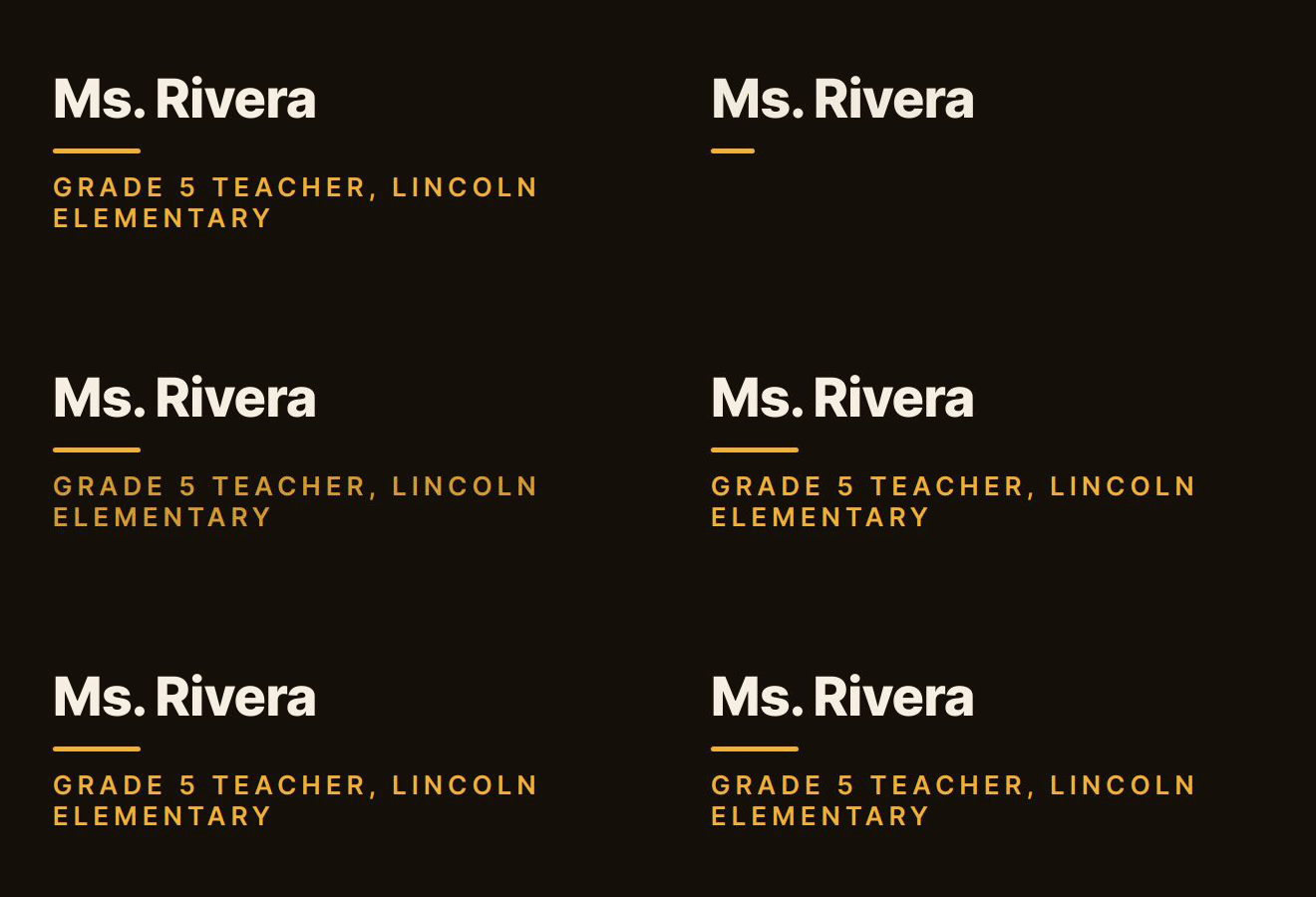
Real output from the BylineSig engine, shown with example names. Each is an animated GIF inside email-safe HTML, the same thing you paste into your mail client.
Clear before clever
Name, what you teach and where. The design supports that rather than decorating it.
Friendly motion
Ask for “warm and cheerful” or “calm and simple”. The animation plays once and then stays still.
Free to use
The free tier covers your details and links, hosted for you. It carries a small “made with BylineSig” mark.
What to put in a teacher’s signature
- Name as students and parents know you: “Ms. Rivera”.
- Subject, year group or department.
- School name, linked to the school site.
- School phone number or extension.
- Office hours or reply times as plain text under the signature, if you want to set expectations.
- Leave out personal phone numbers and personal social accounts.
How it works
- Enter your details. Name and role, plus whichever of company, email, phone and links you want shown.
- Describe the feel. One sentence is enough. Pick a ready-made style instead if you prefer.
- Copy and paste. Install it in Gmail, Outlook or Apple Mail in under a minute. We host the animation.
Questions
What should a teacher’s email signature include?
Your name, subject or year group, school, and a school contact number. For professors, add your title, department and office.
Is an animated signature allowed on a school account?
Many schools set signature rules, and some require a standard format. Check your school’s policy first. If images are allowed, a BylineSig signature is a single hosted image with ordinary links.
Does it work with Google Workspace for Education or Outlook?
Yes. You paste the signature into Gmail’s or Outlook’s signature settings the same way as on a personal account, unless your administrator has locked signatures.