Recruiter email signatures that candidates trust on the first email
Candidates get a lot of recruiter mail and ignore most of it. A clear signature with your name, company and LinkedIn tells them there is a real person behind the outreach.
Design my signature — free
|



|

|
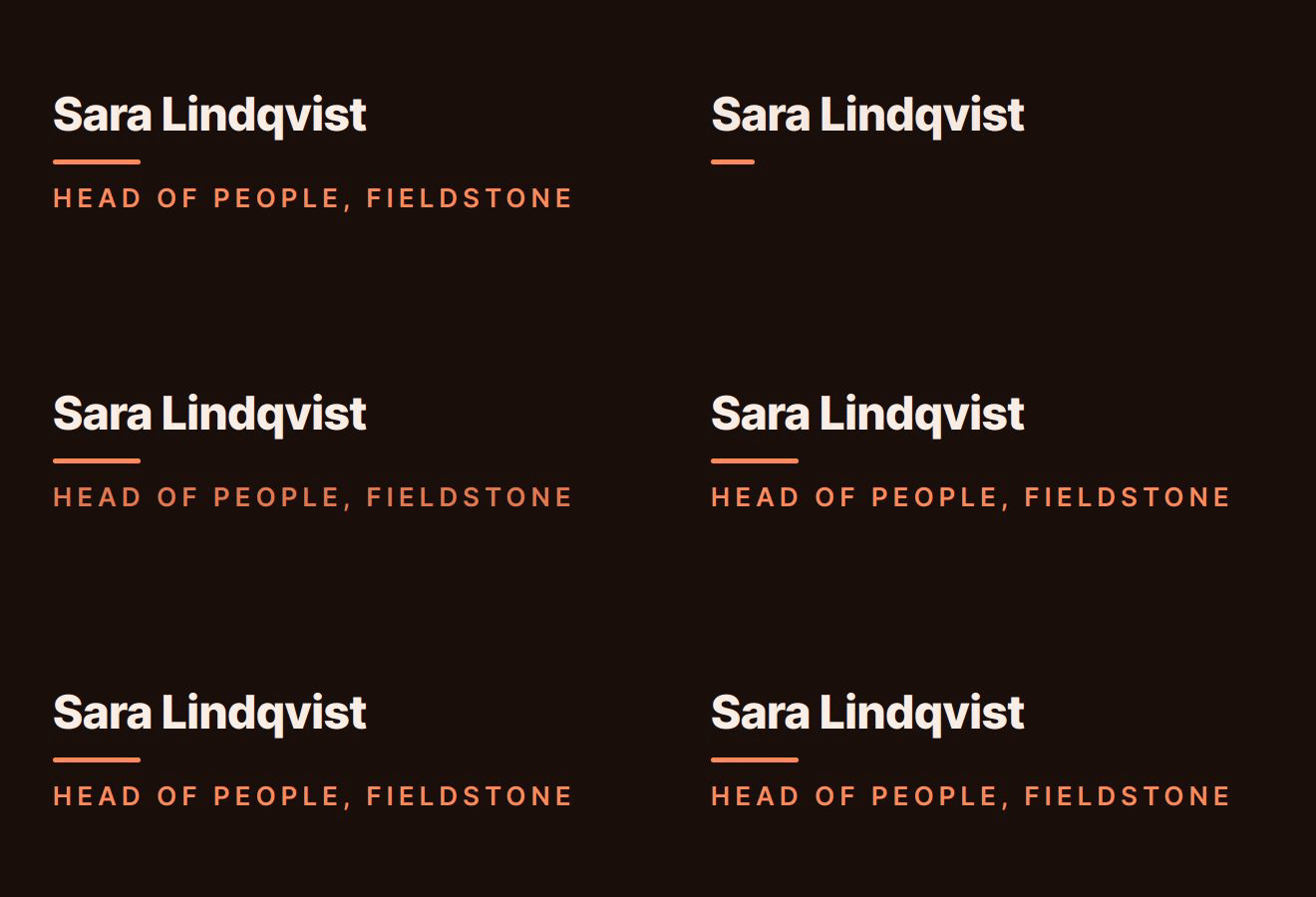

Real output from the BylineSig engine, shown with example names. Each is an animated GIF inside email-safe HTML, the same thing you paste into your mail client.
Credible at a glance
Name, title, company and a LinkedIn link a candidate can check in one tap.
Booking link included
Add your scheduling link so an interested candidate can book a call instead of starting an email thread about times.
Friendly, not corporate
Ask for “warm and approachable” and the design follows. You are the first impression of the employer.
What to put in a recruiter’s signature
- Name and title: “Technical Recruiter”, “Talent Partner”.
- The company you recruit for, or your agency, linked.
- LinkedIn. Candidates check it before replying.
- A scheduling link.
- A phone number, if you take calls.
How it works
- Enter your details. Name and role, plus whichever of company, email, phone and links you want shown.
- Describe the feel. One sentence is enough. Pick a ready-made style instead if you prefer.
- Copy and paste. Install it in Gmail, Outlook or Apple Mail in under a minute. We host the animation.
Questions
Should recruiters put a “we’re hiring” banner in their signature?
A plain text link to your open roles works better than a banner image, because it still shows when images are blocked. You can add it as the website link in your signature.
Does a photo help in a recruiter’s signature?
It can. Recruiting is personal, and a face makes outreach feel less automated. Photos are available on Pro.
Will this work with my ATS or sequencing tool?
If the tool lets you paste an HTML or rich-text signature, yes. BylineSig gives you both the rendered signature to paste and the raw HTML.