Interior designer email signatures that show your taste before the mood board does
Enquiries, proposals, supplier orders and site updates all go out by email. A signature with your name, title, studio and portfolio link, in a palette you chose, is the first piece of your work a new client sees.
Design my signature — free
|


|


|
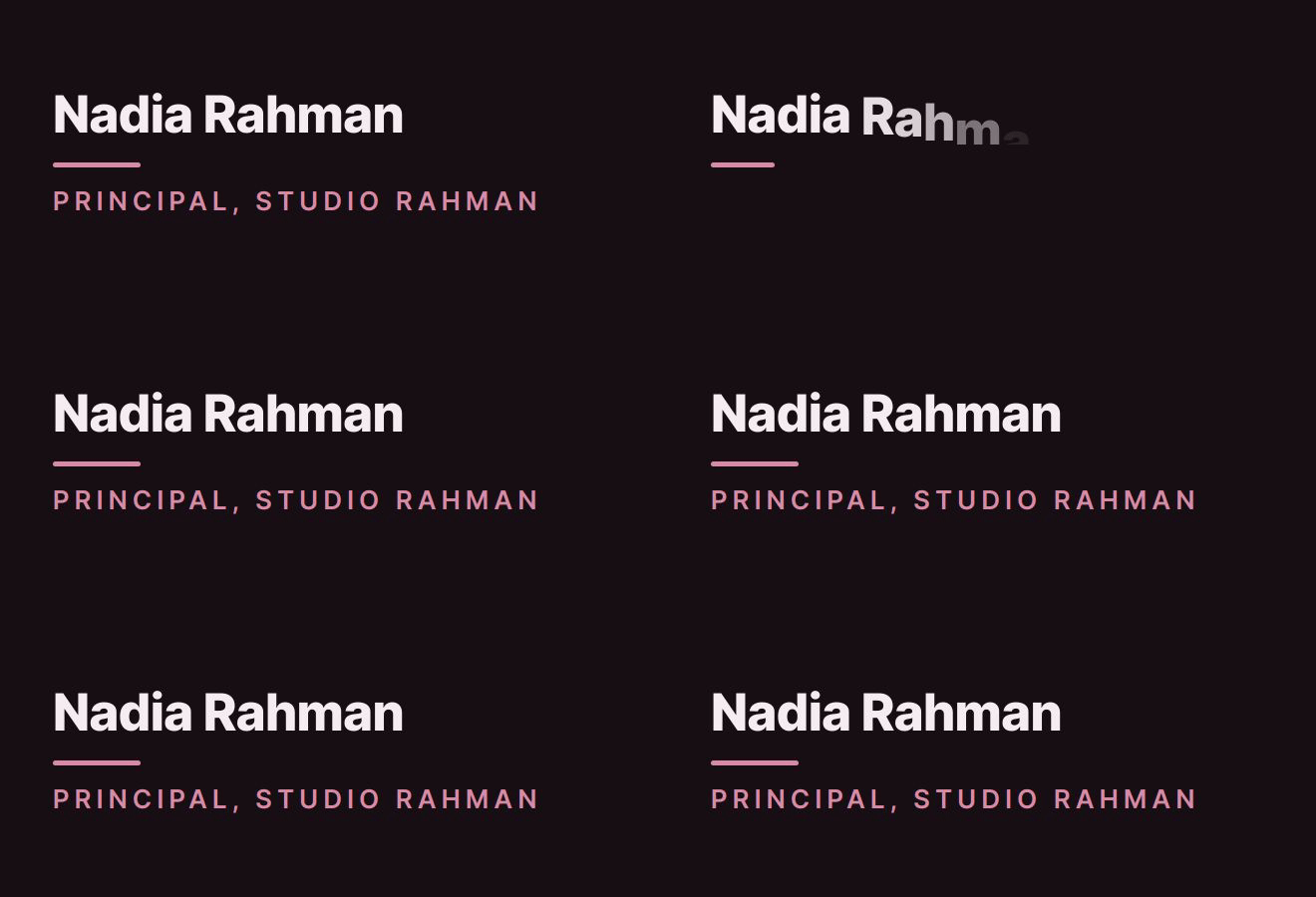
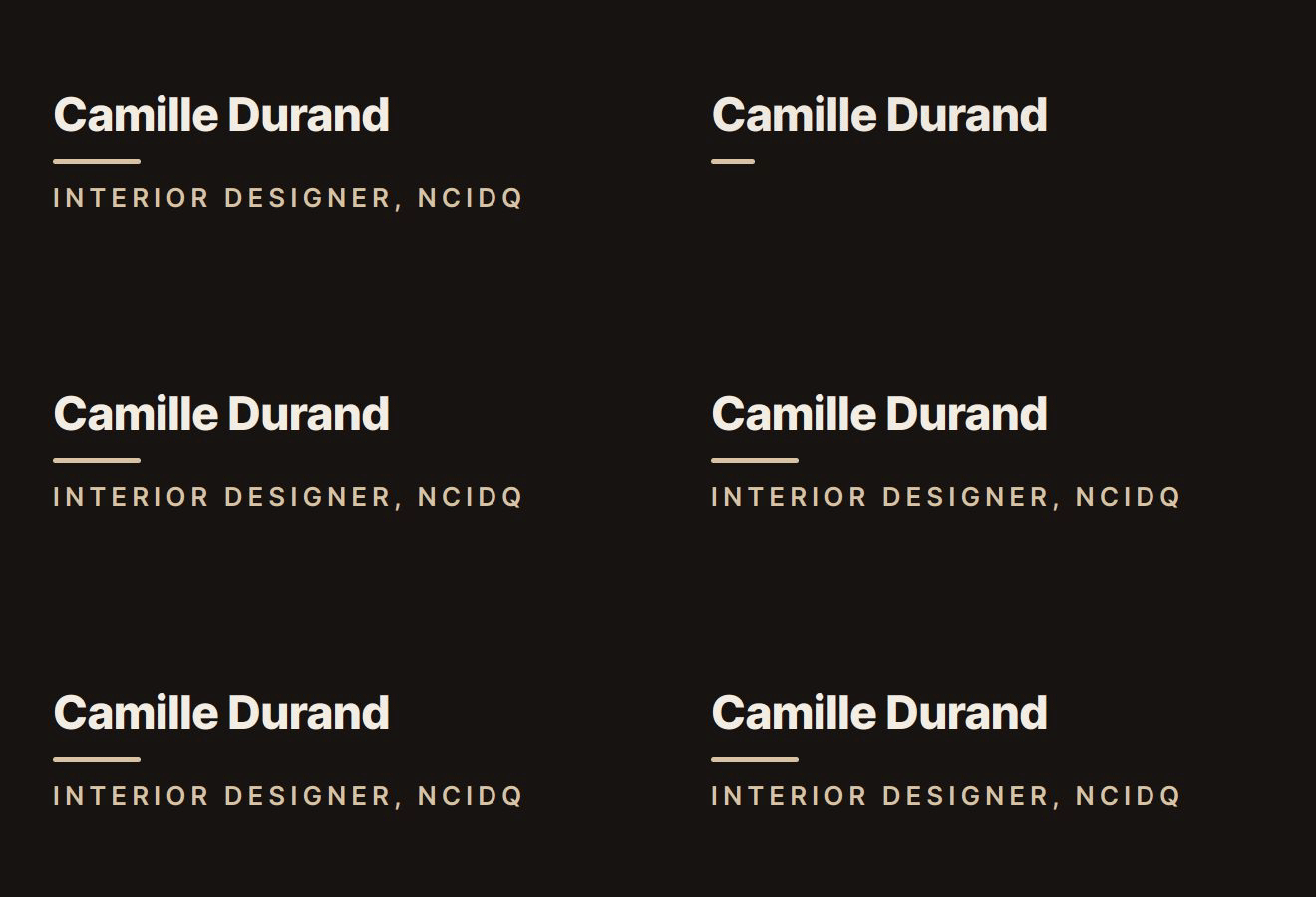
Real output from the BylineSig engine, shown with example names. Each is an animated GIF inside email-safe HTML, the same thing you paste into your mail client.
Describe it like a scheme
Write the feel the way you would describe a room: “warm neutrals, linen and brass, calm” or “deep plum, a little dramatic”. The palette, type and motion are designed to that sentence.
Portfolio and Instagram
Your website and Instagram show as small icon links under your name, so an enquiry is one tap from your projects.
Plays once, then holds still
Your name appears and settles. There is no looping banner under a message about a delayed sofa.
What to put in an interior designer’s signature
- Your name and title: “Interior Designer”, “Principal Designer”, “Design Director”.
- Credentials after the title, if you hold them: NCIDQ, ASID, IIDA, BIID. They go in the role line.
- Studio name, linked to the site.
- A phone number, for clients, trades and deliveries on install day.
- A link to your portfolio, plus Instagram if you post projects there.
- A headshot or your studio logo, if you want one (Pro).
- Leave out project photos. At signature size a room is a blur; the portfolio link does that job.
How it works
- Enter your details. Name and role, plus whichever of company, email, phone and links you want shown.
- Describe the feel. One sentence is enough. Pick a ready-made style instead if you prefer.
- Copy and paste. Install it in Gmail, Outlook or Apple Mail in under a minute. We host the animation.
Questions
What should an interior designer’s email signature include?
Your name, title, studio name, a phone number and a link to your portfolio. Add credentials after your title if you hold them, and Instagram if you post finished projects there. Four or five lines is enough.
Should I put photos of my projects in my signature?
Usually not. A signature is a few hundred pixels wide, and a room shrunk to that size does not show what makes it good. Link to the portfolio instead. BylineSig has no slot for project images; on Pro you can add a headshot and a studio logo.
Is there a Houzz or Pinterest icon?
Not a dedicated one. The icons are LinkedIn, GitHub, X, YouTube, Instagram and website, plus one custom link, which shows with a generic link icon. Use the custom link for a Houzz or Pinterest profile.
Can I match my studio’s exact brand colours?
You direct the design in words, and you can name a colour, for example “accent #d8c3a5”. The design is generated from your description, so it is not a pixel-exact tool. On Pro you can ask for changes in follow-up notes until it is right.
Can everyone in my studio use the same design?
Each person makes their own signature today, and describing the same feel gives a matching look. A Teams plan with brand-locked, centrally managed signatures is on a waitlist and not available yet.